Get up.
For real.
No more snoozing half-asleep. Waker makes you complete a challenge before the alarm stops, so you start the day the right way.
Every alarm, its own challenge.
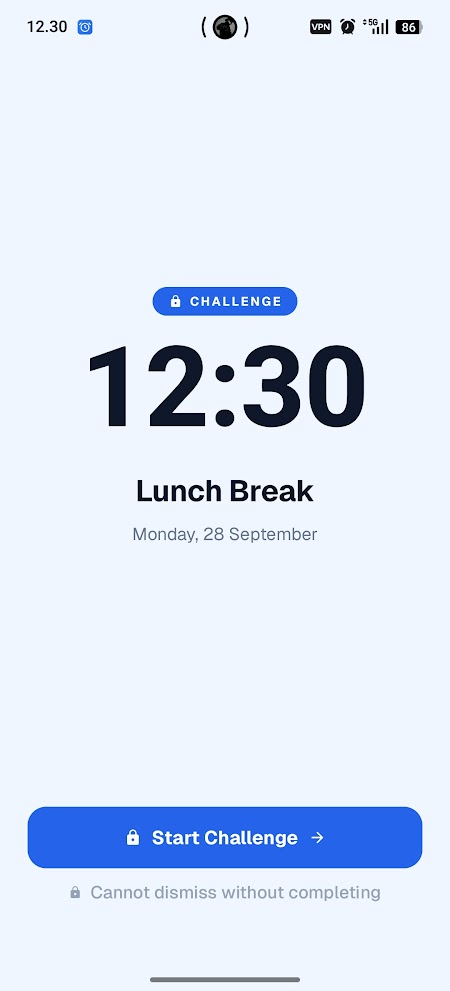
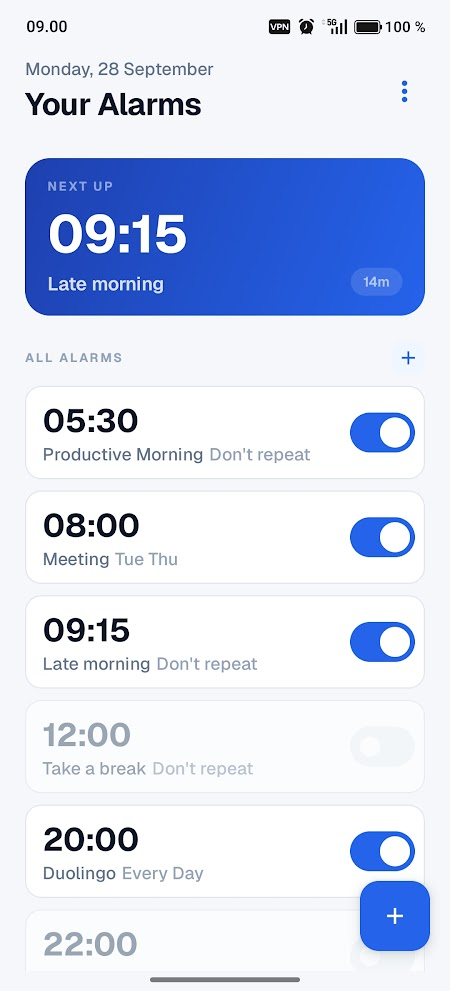
Before the alarm goes quiet, you have to do something that gets you properly awake. Choose how hard per alarm, or skip it for the ones that matter less.
Scan
Get out of bed to scan a code.
Out of bedHold
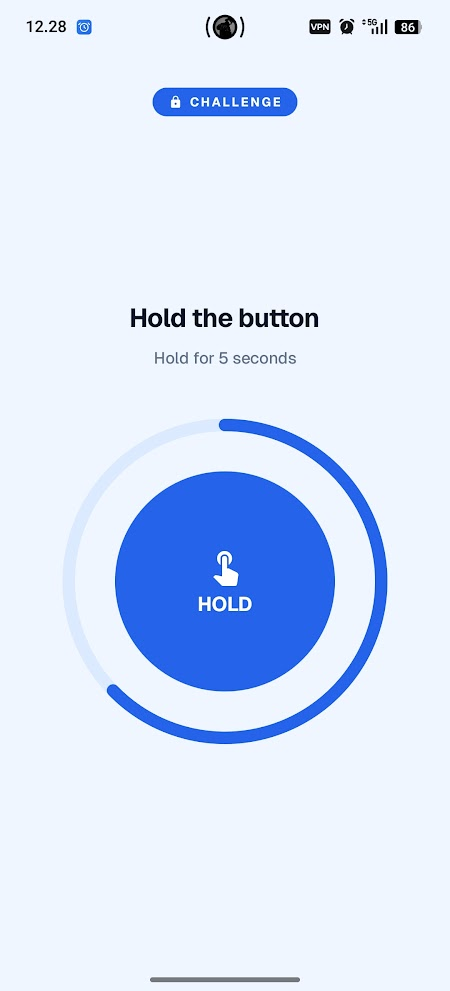
Keep your thumb down until the ring fills.
In bed, awakeTap
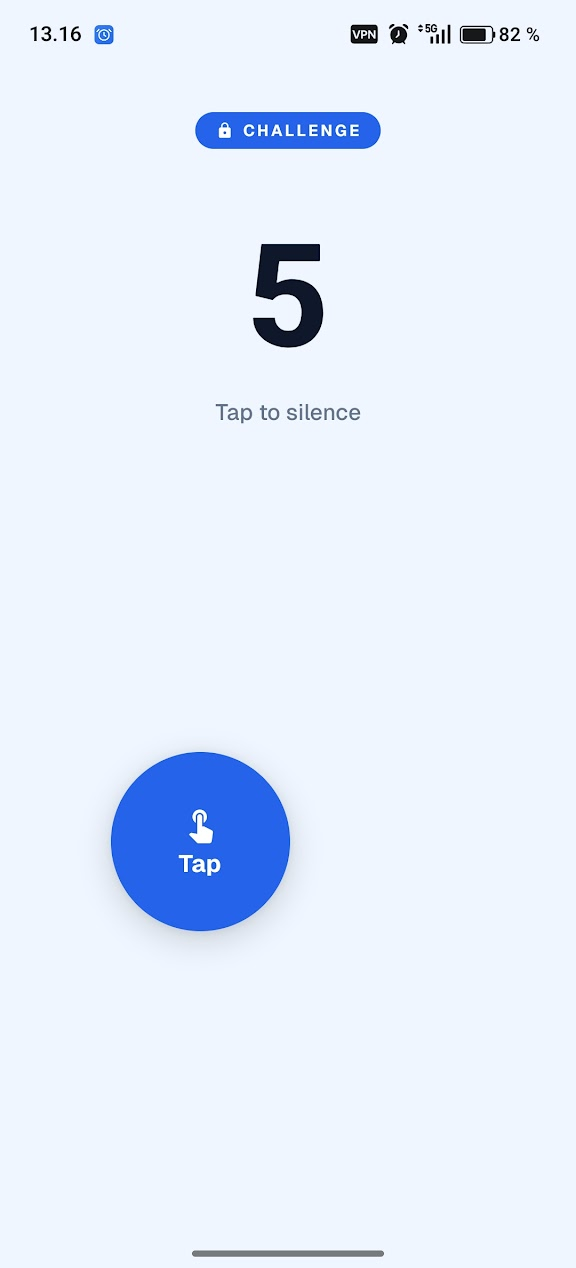
Hit the target again and again.
In bed, awakeNone
A plain alarm. Good for naps and reminders.
Just rings
More challenges on the way.
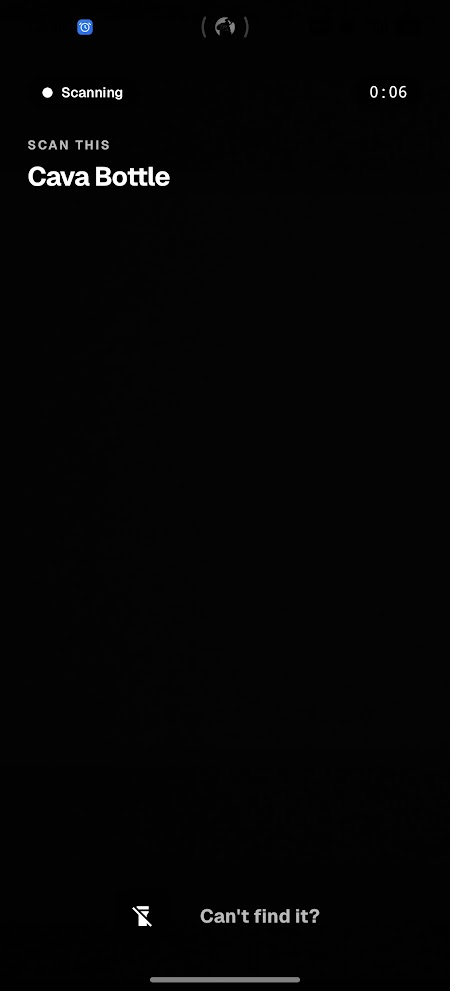
No dismissing from the bed. Get up to stop it.
Register any QR code or barcode, like a cereal box, your toothpaste or a sticker by the kettle. When the alarm rings, only that code turns it off.
- 1
Pick a code
Scan any QR code or barcode you have at home.
- 2
Leave it somewhere else
Kitchen, bathroom, the far end of the hall. Just not by the bed.
- 3
Walk over to stop it
By the time it goes quiet, you are already up.
Wake your brain, not your back.
Can't get up yet? These keep your hands and head busy until you're actually awake. You set how long to hold and how many taps. Let go early and the timer resets. Miss, and the count doesn't move.
Good for
Away from home
Hotels, trips, a friend's couch. Works anywhere.
Slow mornings
Weekends when you want to be awake, not on your feet.